Measure the thing you’re fitting, drag a few sliders and print it. It all runs in your browser, and every tool hands you an STL or a 3MF.
It’s as easy as 3 steps
- 01
Measure the thing
Calipers if you have them, but a tape measure will do. Measure the height, width and depth you want.
- 2-3 measurements
- Take note
- 02
Drag the sliders
Have a fiddle: the part redraws as you tweak. Clearances are already folded in, so what you see is what comes off the bed. If you're worried, print it slightly bigger.
- Live preview
- Tolerance built in
- 03
Print it
Export an STL or a 3MF and drop it into your favourite slicer. Nothing uploads anywhere and there is no account to make, so the file is yours the moment you press the button.
- Download
Printable tools
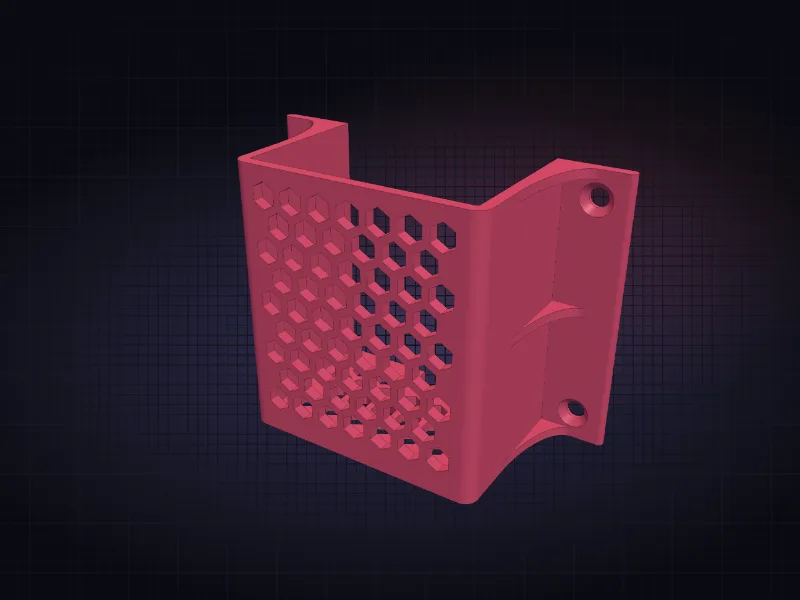
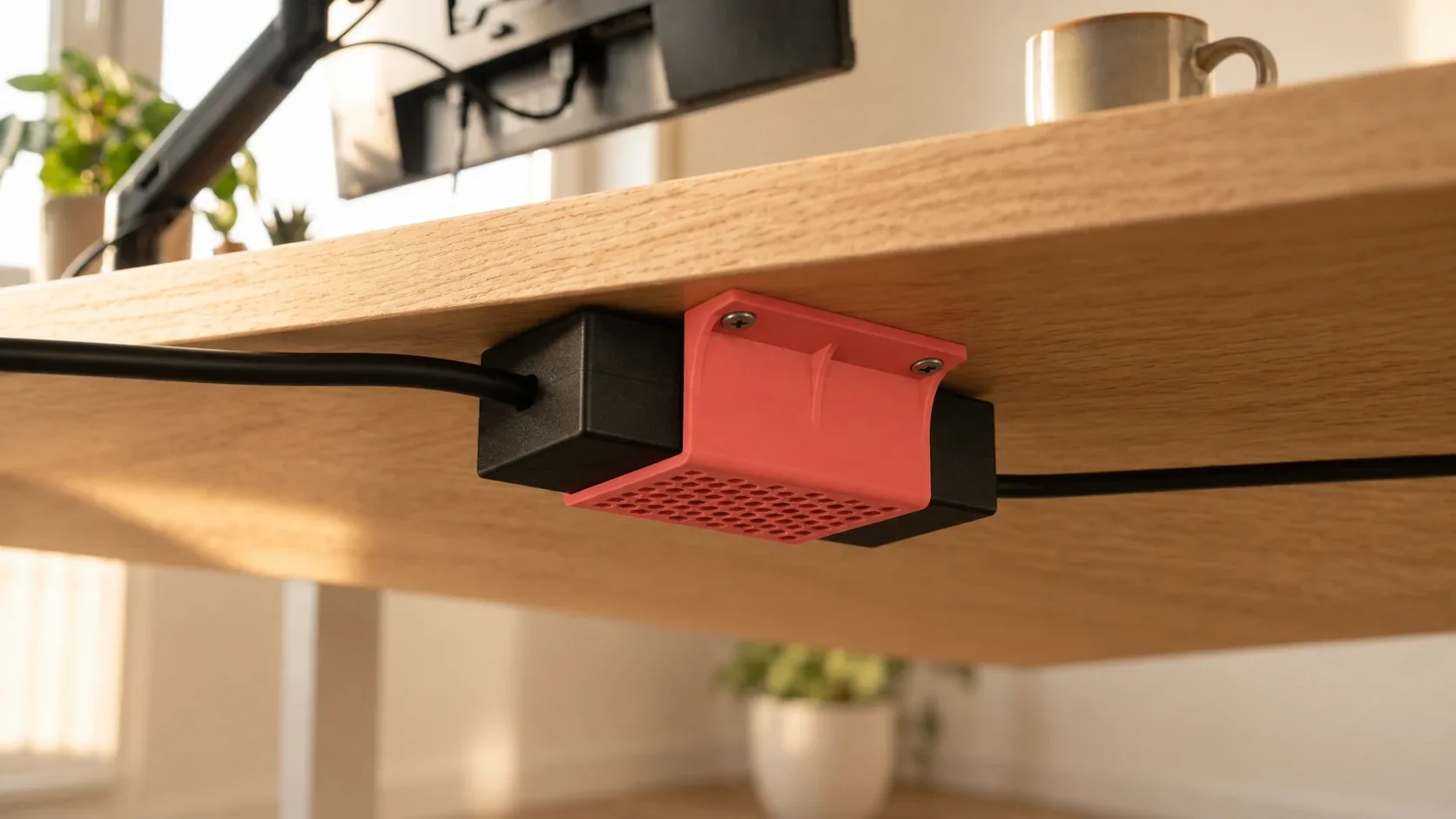
Under-desk mounts
For power bricks, KVMs, blocks and anything you want to tuck away. Change the strength, add vents, create a cable notch.
- STL & 3MF
- Bracket
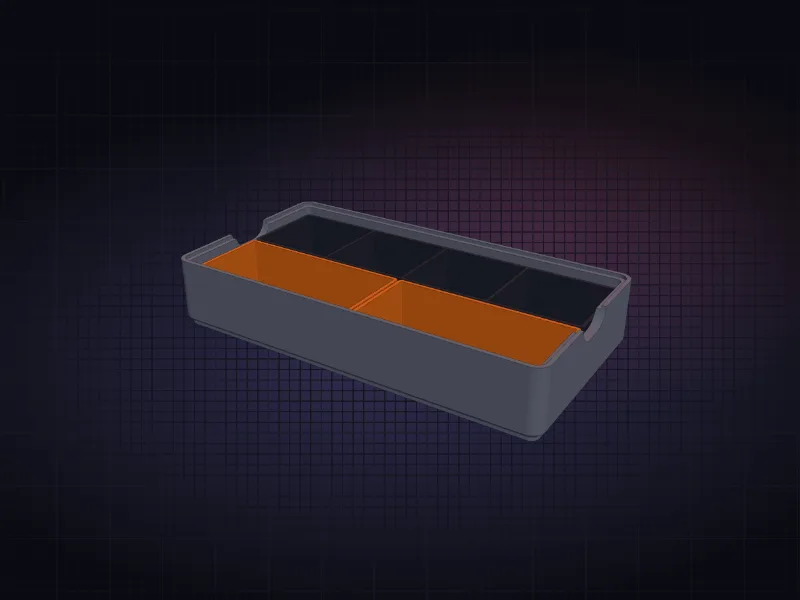
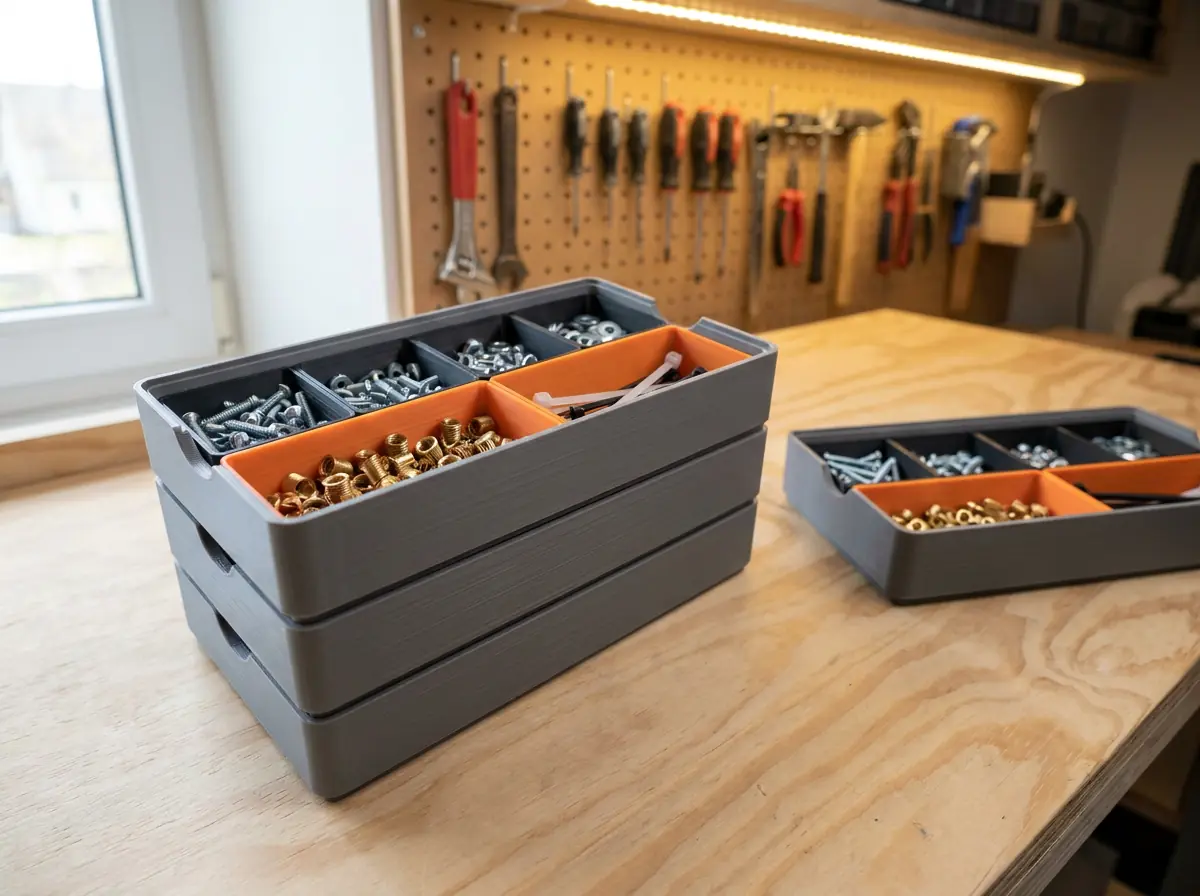
Craft box
A stackable box, bento style: keep crimps, screws, brushes and magnets organised. Pick sizes, add dividers, print each part in its own colour.
- STL & 3MF
- Bento box
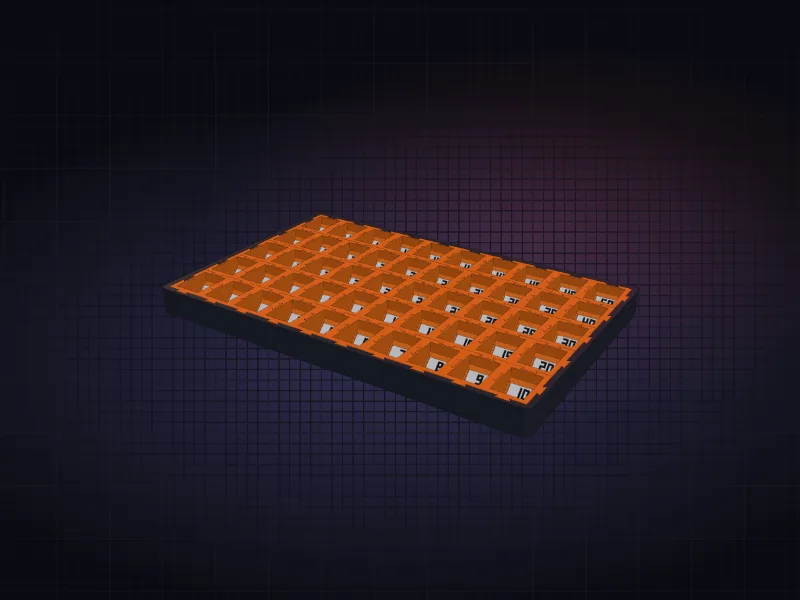
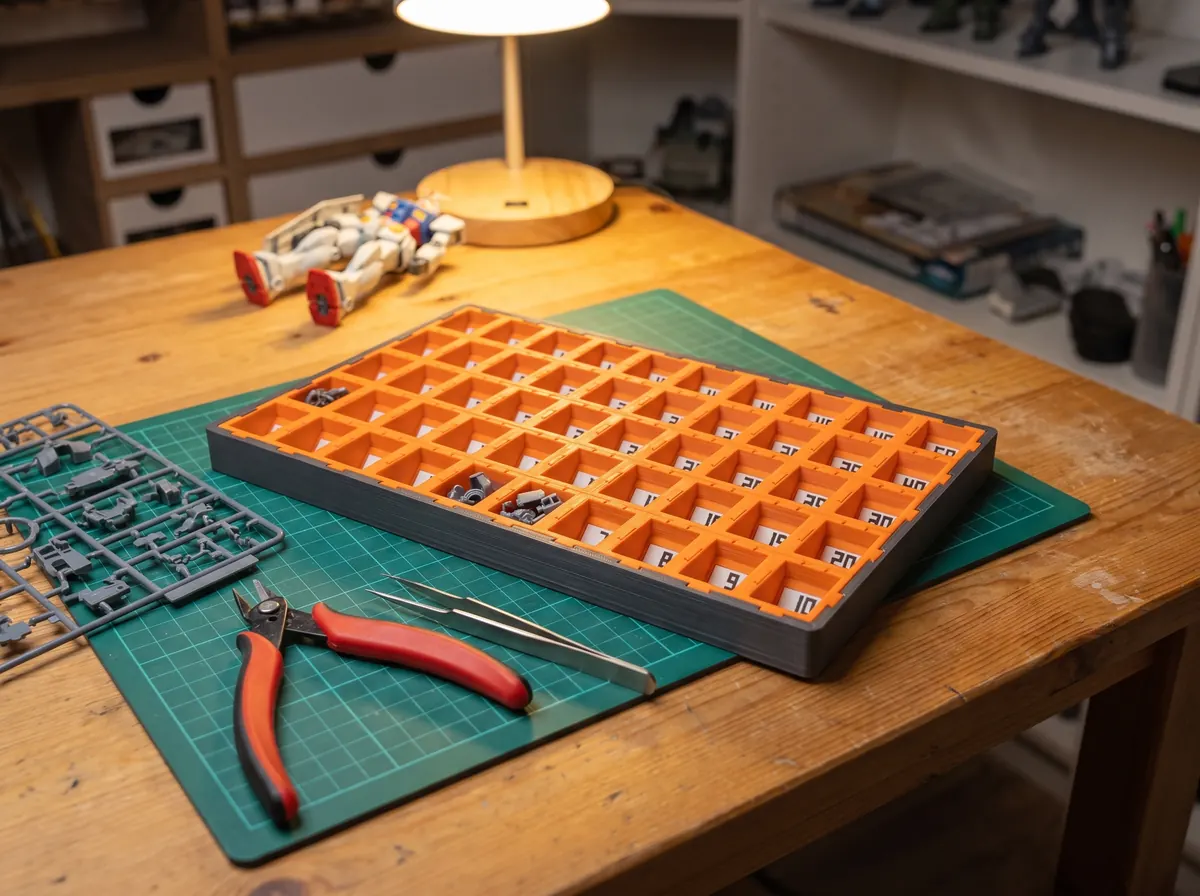
Sprue parts organiser
Warhammer nerds need this. I hated hunting for part numbers, so cut everything off the sprue at the start and drop it in numbered cells. Add sections, add numbers, make it as big as you want.
- STL & 3MF
- Warhammer
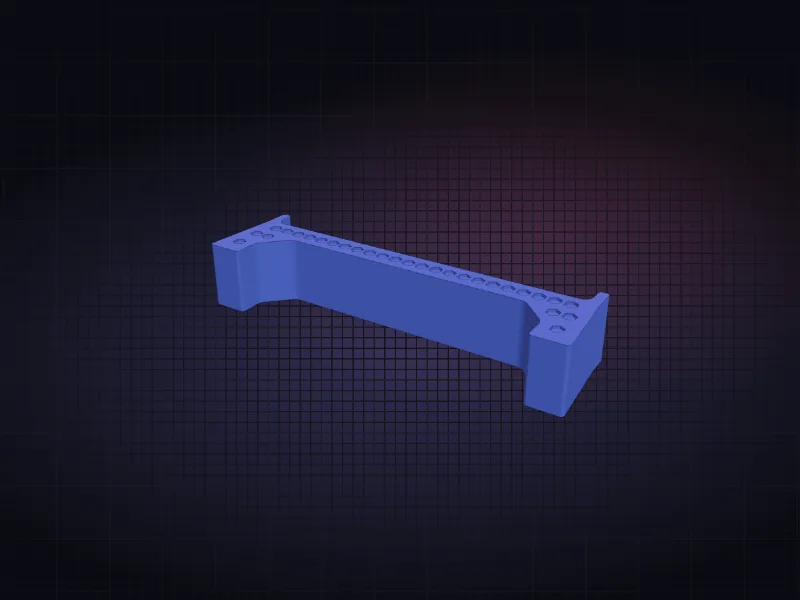
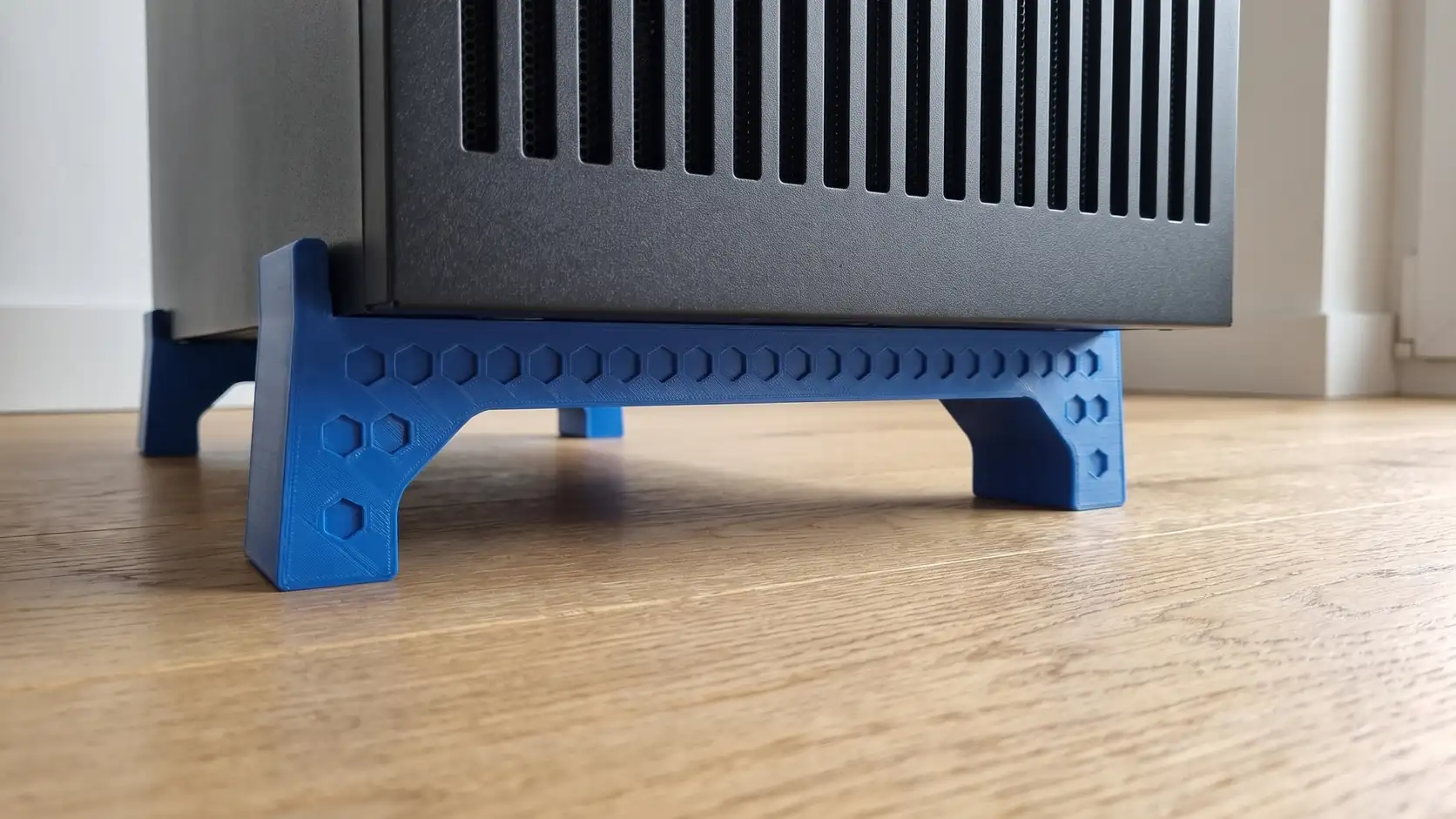
PC lift legs
Lift a PC off the floor for airflow and dust. Size the cradle to your case, set the lift, add a pattern to the front. Print two, one for the front and one for the back.
- STL & 3MF
- Riser
French cleat box
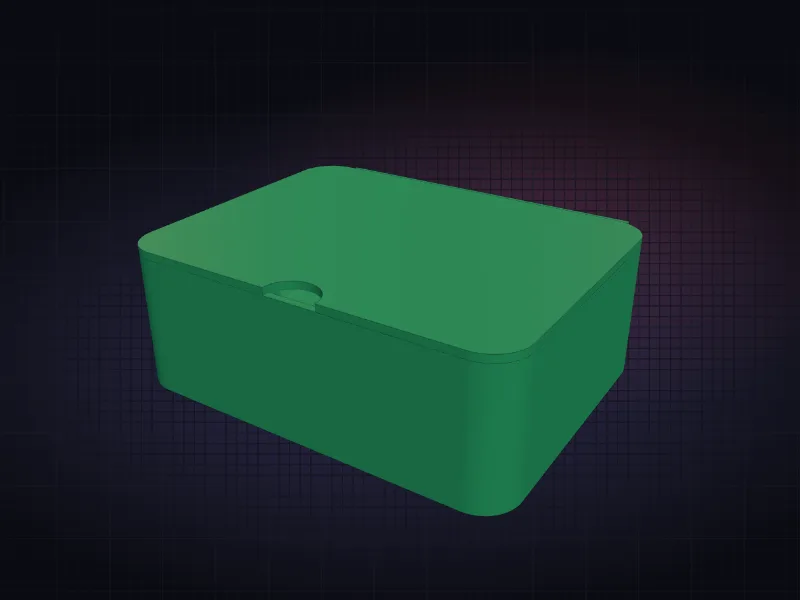
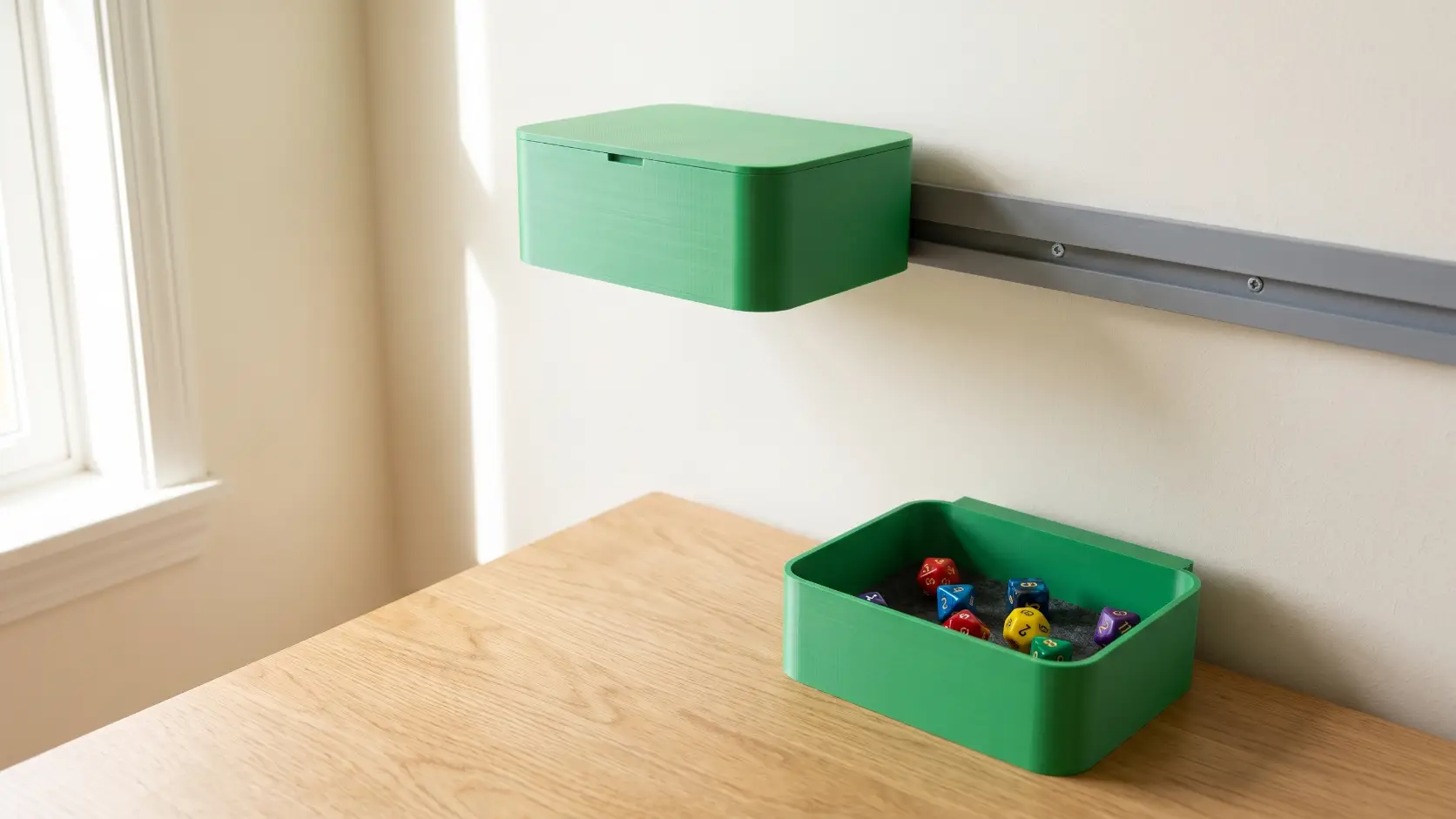
A box that hangs on a French cleat, with the wall cleat to match and a lid if you want one. Round, square or anything between. Line the floor with felt and it is a dice tray.
- STL & 3MF
- Wall storage
Movement tray
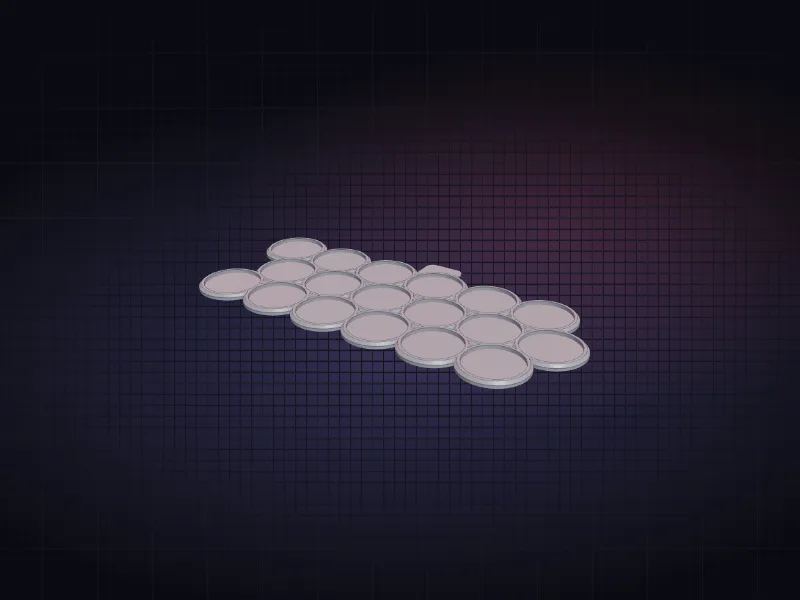
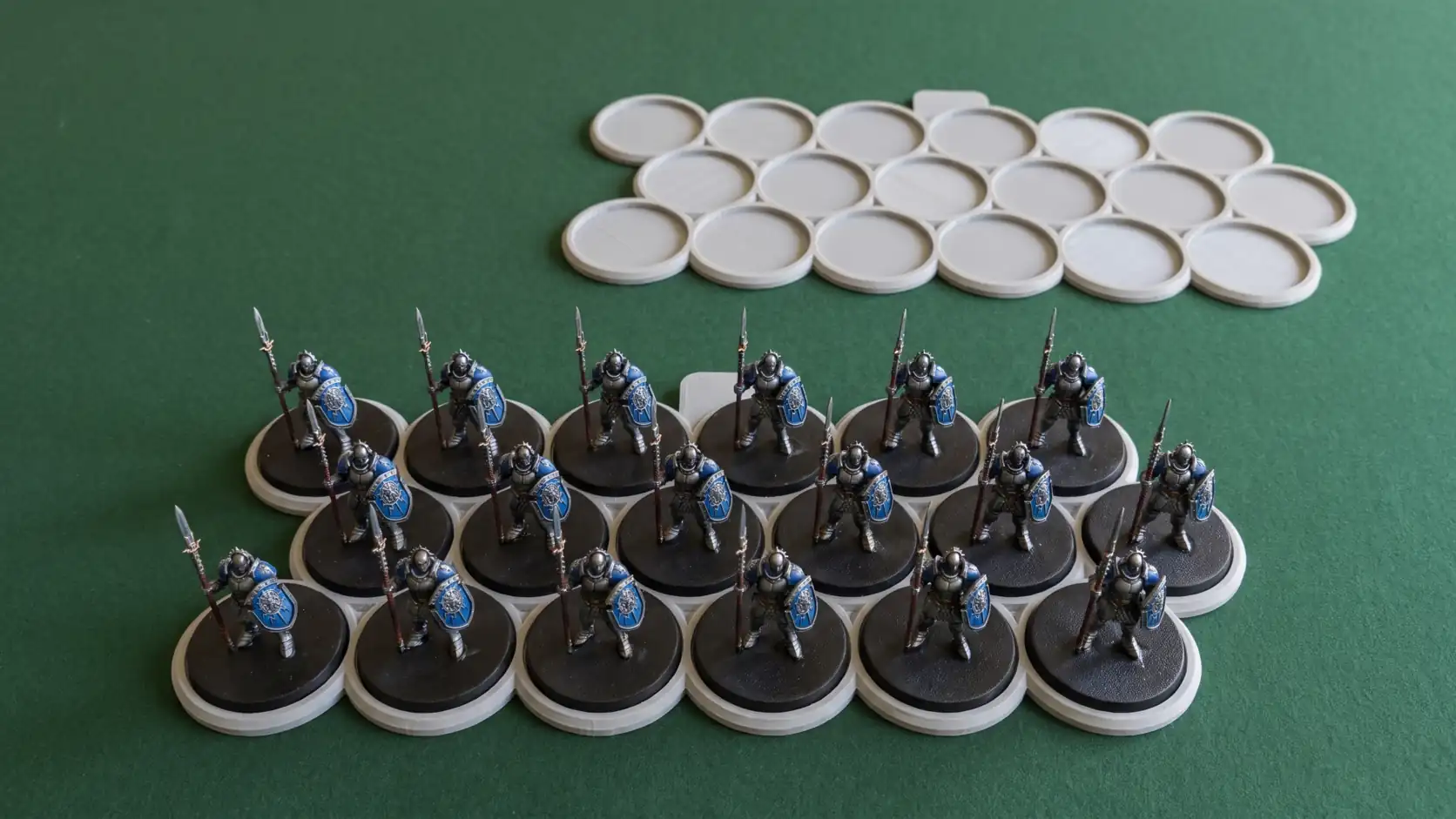
A tray with a pocket for every base, so a unit moves as one. Pick the base, set files and ranks, stagger the rows, add magnets or an open floor.
- STL & 3MF
- Wargaming
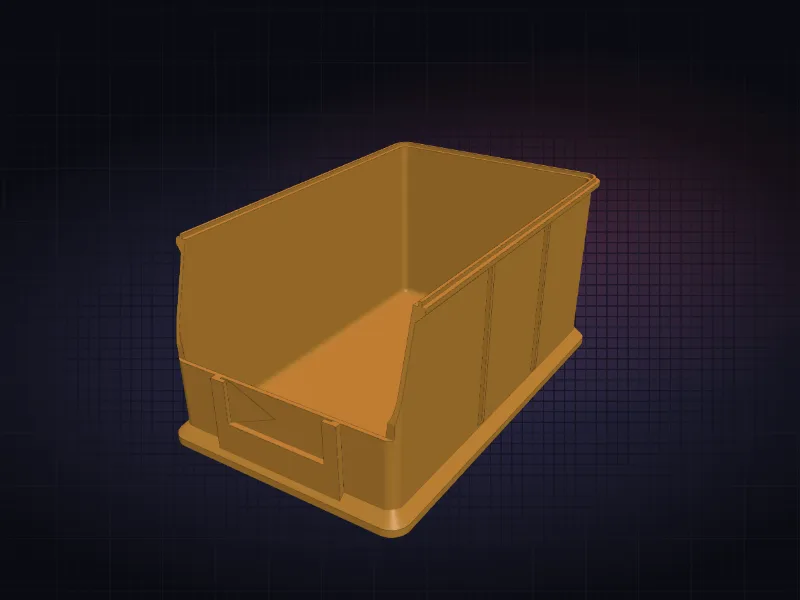
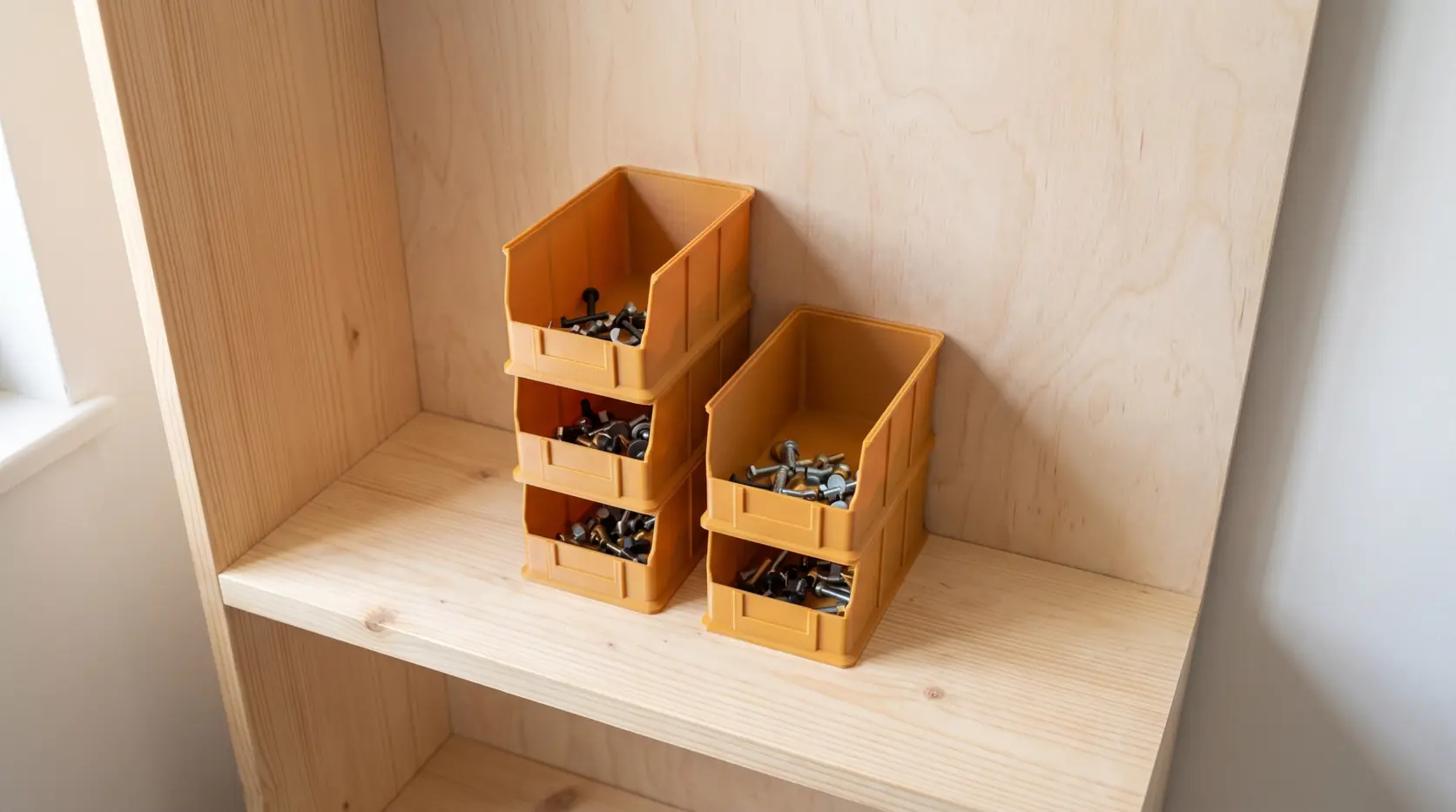
Stacking bin
Pick bins with a low front lip, for screws, parts and anything you reach for. Set the size, stack them, add a label slot, a hang tab, dividers or a Gridfinity base.
- STL & 3MF
- Pick bin
We’ve tested some clearance to help things fit
Every tool carries a printer tolerance that you set once. We want things to fit snug, and ±0.15 mm works for us, but it might not work for you.
- ±0.15mm default
- 0.4mmnozzle tested
- 12min test clip
Printed by people
Tag a print and it can live here. Send me a photo.
Things people ask
- Do I need to know CAD?
- Not at all. You put in measurements, we work out the geometry.
- What if it doesn't fit?
- Print the test clip first - it takes twelve minutes and tells you the tolerance your printer really holds. Every tool uses that number from then on.
- Is my data going anywhere?
- Nowhere at all. Everything happens in your browser and downloads straight to your machine.
- Can I use these commercially?
- Print them and sell what you make, gladly. Just don’t resell the files themselves.
Printed something that fit?
Every tool here is free, runs in your browser and always will. If one saved you a trip to the shop, you can buy me a coffee.